No dashcam?Mount your phone.
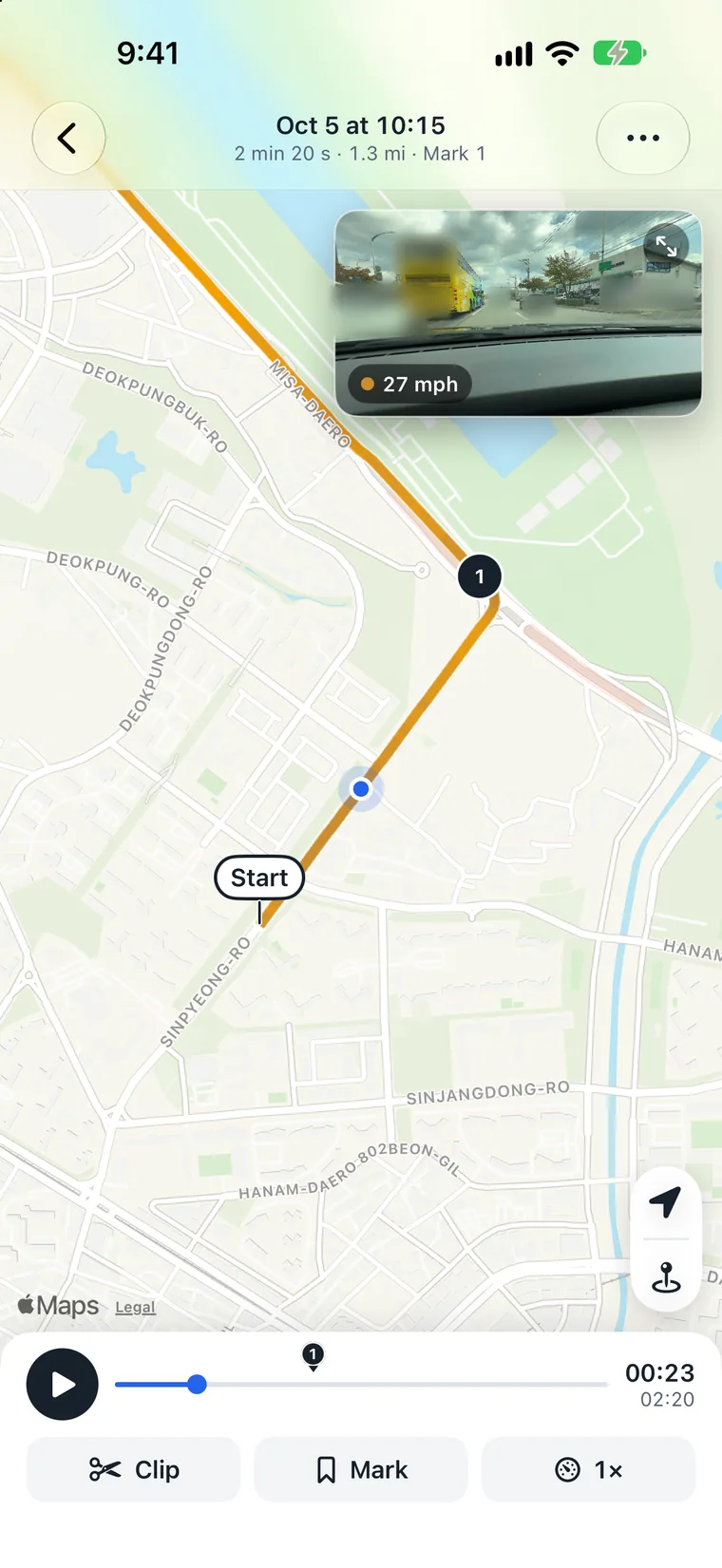
Start recording, then replay the road you drove on a map alongside the video. Save just the moments you need to Photos.

Mount it, drive, then watch it back
Set up before you leave, review once you arrive. Don't touch the screen while driving.
Mount it and start recording
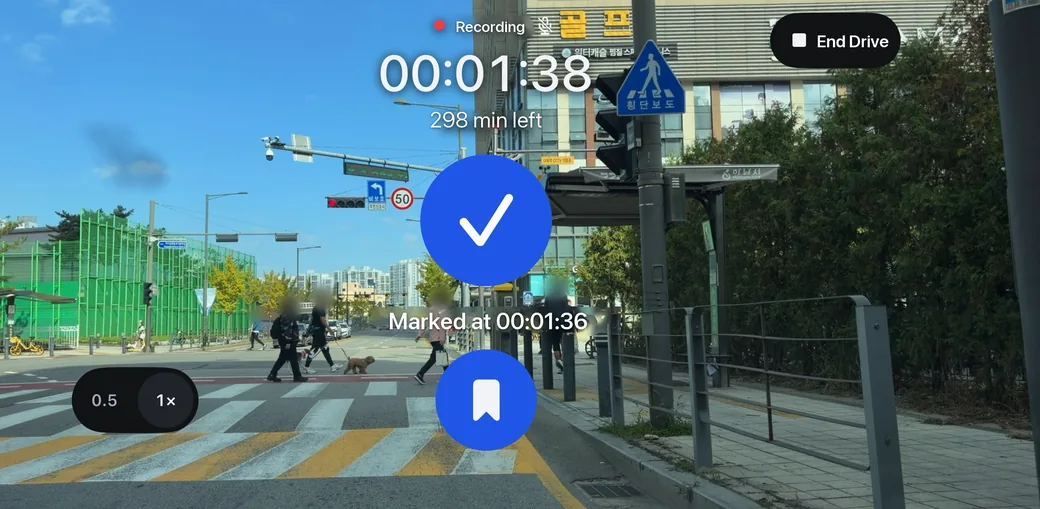
No dashcam needed. Put your phone on a mount and start recording.
Record as you drive
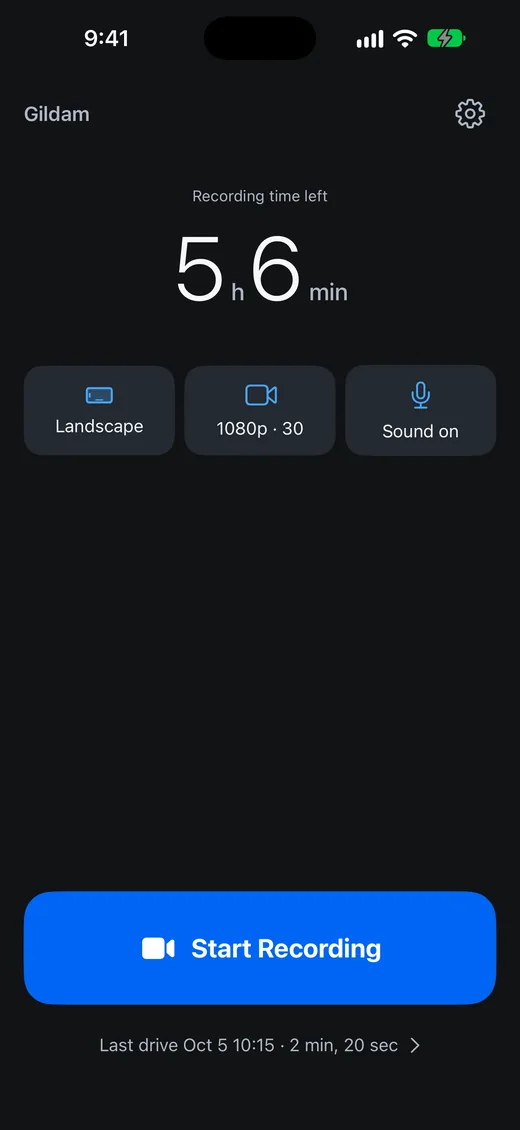
Record at 4K 30 fps or 1080p 60/30 fps, and switch between 0.5× Ultra Wide and zoom while recording.
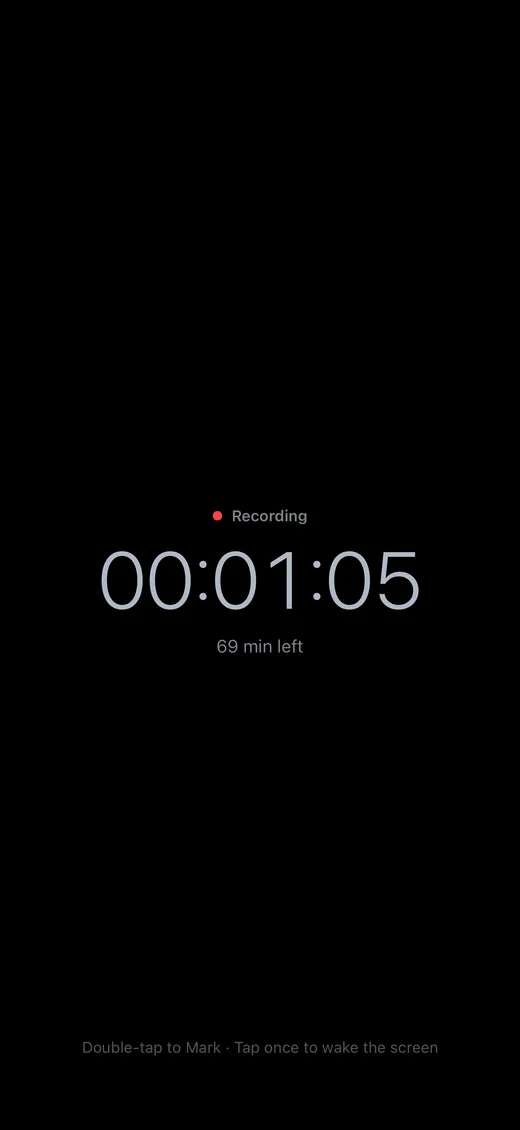
Mark the moments
Mark a moment with one tap. After a while the screen dims to a clock to reduce glare.
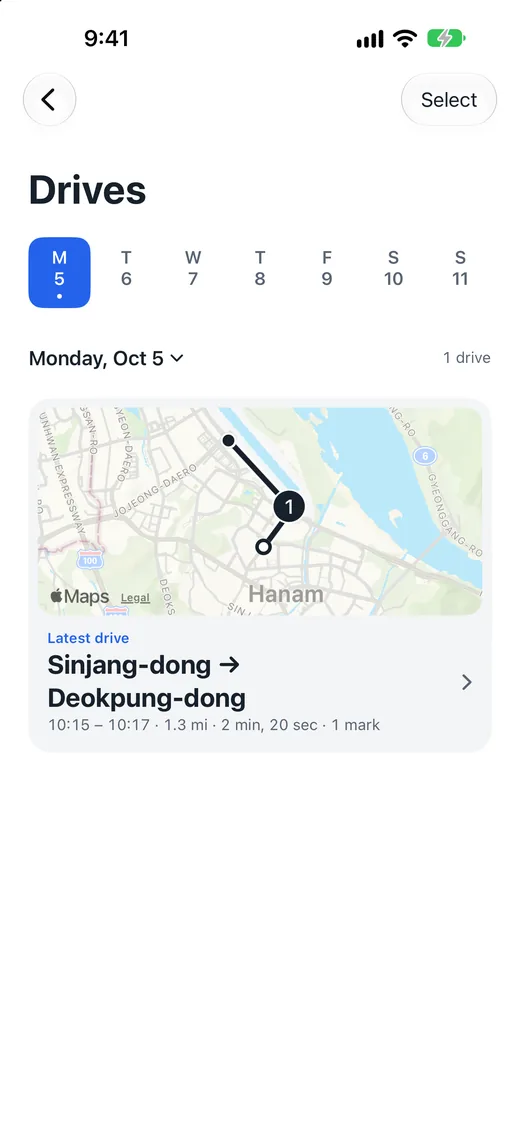
Replay it on a map
Pick a drive by date and watch the video while following your route and speed on a map. Jump straight to a mark.
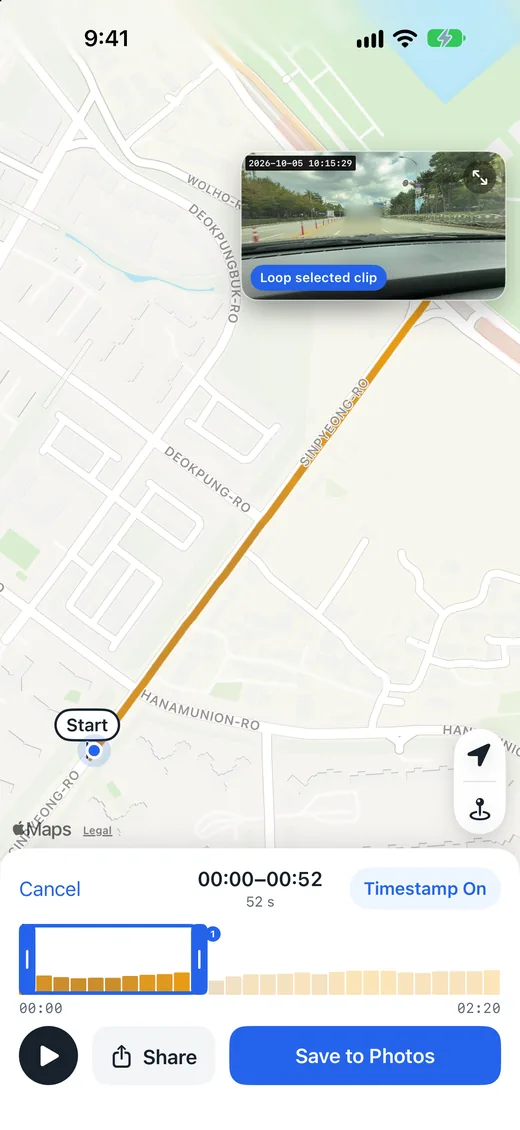
Save just the clip
Pick the clip you need and save it to Photos or share it. Add a date and time stamp; the original stays untouched.
Features and safety
- Quality
- 4K 30 fps or 1080p 60/30 fps, whichever your phone supports. Default: 1080p 30 fps
- Lens
- Switch between 0.5× Ultra Wide and zoom while recording
- Marks and screen
- Mark a moment you want to remember with one tap. After a while the screen dims to a clock to reduce glare
- Storage
- Shows how much recording time is left. When storage runs low, recording stops and your existing videos are kept
- Replay
- Drives by date, with start and end places. Follow your route and speed on a map, jump straight to a mark, and play back at 2× or 4×
- Save & share
- Pick just the clip you need and save it to Photos or share it. Add a date and time stamp; the original stays untouched
Privacy
Video, sound, and location history stay on your phone. No sign-up, no ads, no tracking.
Safety
For safety, don't touch the screen while driving. While you use another app, recording continues in a small Picture in Picture window.
FAQ
Does recording stop if I switch apps or lock the screen?
Switching apps doesn't stop it. While you use another app, such as navigation, recording continues in a small Picture in Picture window.
If you lock the screen or another app takes the camera, recording pauses and picks up automatically in a new file of the same drive when the camera is back. If the camera stays unavailable for more than 10 minutes, the drive ends and the video so far is kept.
What happens when storage runs low?
Below 2 GB free, recording stops and existing videos are kept. If you turn on auto cleanup (off by default), the oldest drives are removed when space falls below your threshold.
Does Gildam guarantee that it records?
No. Gildam does not replace a dedicated dashcam. Start recording and change settings before you drive, and review videos after you stop.
Can I use it without location or microphone access?
Yes. Recording and marking work without location. If you don't allow the microphone, only video is recorded.
Does deleting the app delete my videos?
Yes. All videos and records in the app are deleted and cannot be recovered. Save videos you want to keep to Photos first.
One person builds it and says only what is verified
Gildam is planned, designed, and built by JP LAB, a one-person app studio in South Korea that opened in August 2026. Questions: [email protected].
Progress
JP LAB founded
Registered as a sole proprietorship in application software development and publishing.
Gildam released on the App Store
The first public release of our first app.
Available in 147 countries and regions